Wireless internet speed depends on more than the service purchased from an internet provider. Router quality, placement, interference, distance, device capability, and network activity all affect performance.
A faster plan will not solve every WiFi problem. Improving the existing setup may deliver better results without increasing the monthly bill.
Measure Current Performance
Run a wired speed test to measure the connection reaching the router. Then run a wireless test near the router and another in a distant room.
These comparisons reveal where speed is being lost. Strong wired performance with weak WiFi points toward a wireless problem.
Test at several times because evening congestion may produce different results from morning use.
Record wireless performance measurements so improvements can be compared accurately.
Improve Router Placement
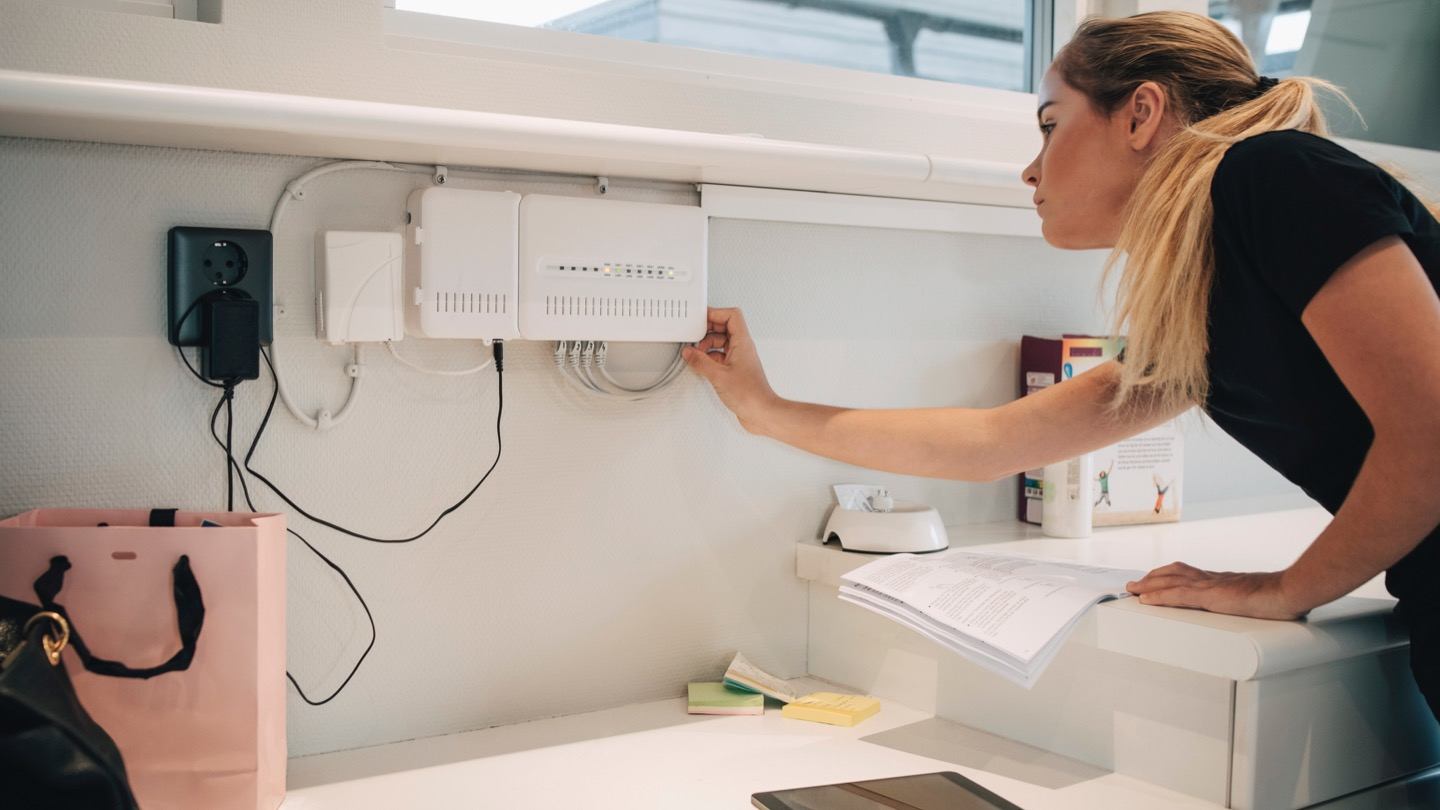
Place the router near the center of the home, above floor level, and away from walls or large objects.
Do not hide it inside a cabinet or behind a television. Keep ventilation openings clear.
Avoid metal appliances, mirrors, cordless phones, microwave ovens, and wireless audio equipment.
Even moving the router a few feet may produce a noticeable speed increase in nearby rooms.
Use 5 GHz for Nearby Devices
The 5 GHz band is usually faster and less crowded than 2.4 GHz.
Connect televisions, computers, game consoles, and phones to 5 GHz when they are close to the router.
Use 2.4 GHz for distant devices or those separated by several walls. Its broader range may provide better stability.
Separate the network names during testing if the router automatically combines the bands.
Change the WiFi Channel
Nearby networks may compete on the same wireless channel, especially in apartments and crowded neighborhoods.
Many routers select channels automatically, but the choice may not always be ideal. Restarting the router can encourage a new scan.
Use the router settings to test a less crowded channel when automatic selection performs poorly.
For 2.4 GHz networks, channels 1, 6, and 11 are common non-overlapping choices in many regions.
Update Router Firmware
Firmware updates may improve speed, stability, and compatibility.
Check the router application or administration page for updates. Enable automatic installation when available.
Restart the router after updating and test the wireless speed again.
Replace routers that no longer receive security or performance updates.
Limit Background Activity
Cloud backups, software updates, game downloads, and file synchronization can slow WiFi without appearing obvious.
Review connected devices and pause unnecessary activity. Schedule large downloads during quiet hours.
Quality-of-service settings may allow important devices to receive priority.
Organized network traffic management is valuable in homes with many active users.
Secure the Network
Unauthorized devices can consume bandwidth and reduce performance.
Change the WiFi password and reconnect trusted devices. Use WPA2 or WPA3 encryption.
Change the router administrator password and disable unnecessary remote access.
Applying secure wireless access controls protects both performance and privacy.
Use Ethernet for Fixed Equipment
Televisions, desktops, game consoles, and media servers often remain in one location.
Connecting them through Ethernet removes traffic from the wireless network and provides a more stable connection.
A small network switch can add extra wired ports in an office or entertainment area.
Leaving WiFi for mobile devices can improve overall household performance.
Upgrade Outdated Devices
Older phones and computers may not support newer WiFi standards or faster bands.
Update wireless drivers and operating systems. Test the same location with a newer device.
If only one older device remains slow, replacing the router may not solve its limitation.
USB wireless adapters can improve some computers without requiring complete replacement.
Add Better Coverage
A weak signal cannot provide full speed. Use a mesh system, access point, or properly placed extender when distant areas remain slow.
A wired access point usually offers the strongest performance. Mesh systems provide convenient whole-home coverage.
Extenders are useful for small problem areas but should be placed where the router signal is still strong.
Follow practical wireless optimization steps and measure results after every change.
Wireless internet becomes faster when the network is positioned, configured, and managed correctly. Start with testing, then improve placement, band selection, channels, traffic control, security, and coverage before paying for a higher-speed plan.